
QR Code
The QR code widget will display a QR which will open the Senses - App on your mobile phone.
Screenshot
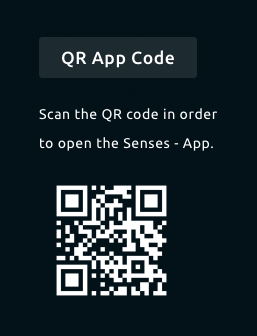
Functionality
- Show a QR code to open the Senses - App.
- Inverse background to have a transparent background in the QR code
How to use
By default (a new installation) the default profile has the QR code already enabled. If you want to add the QR code you can simple add the QR code widget to the Smart Mirror using the Senses - App.
Configuration
The following configuration options are possible:
| Setting | Description |
|---|---|
| Widget Title | Widget header title |
| Inverse Background Color | Enable this option to remove the background color in the QR Code. |